Co-op and competition use different pressure

Co-op games such as Rhythm Tweezers put the group on one shared failure line. The team succeeds only if each player performs their small part on time. That format rewards predictable counting and patience. Competitive games let players compare timing, which makes the room louder and more chaotic. Use co-op first when introducing new players because the shared objective keeps attention on the beat rather than on teasing the person who missed.
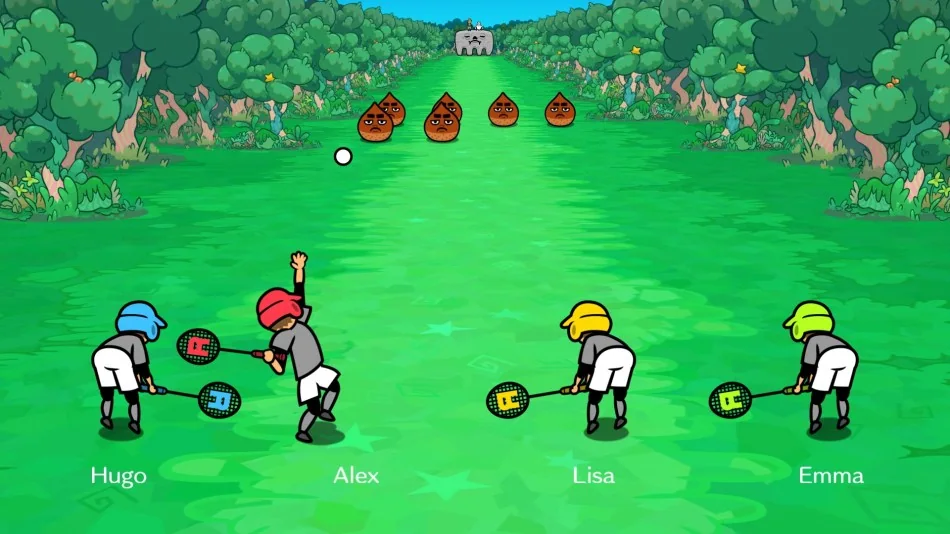
Tennis Quest is a useful mental model for mixed pressure. Nintendo presents it as a tennis match that becomes a monster battle. The joke changes, but the group still needs to return the rhythm. When a multiplayer game adds a strange theme, resist the urge to narrate every gag. Count the beat, then enjoy the punchline after the attempt.
If the group is uneven, assign the most consistent player to demonstrate the first round and the least confident player to call the count during practice. Speaking the count builds rhythm memory without requiring a perfect input yet.
Local setup checklist

Before a four-player session, check controllers, seating and audio. A player sitting far from the television may hear the room a fraction later than someone beside the speakers. That sounds minor until the game asks four people to land a phrase together. If the room is loud, raise the music before raising voice chat or conversation.
Nintendo notes that additional accessories may be required for multiplayer. Treat that as practical planning: charge controllers, pair them before starting, and avoid swapping controller types mid-session if a player is learning one button feel. Consistent physical input helps rhythm memory.
Do one silent test after calibration. Everyone should press on a shared count with no stage running. If the button sound itself lands unevenly across the room, fix seating or controller assignments before blaming the game.
- Pair every controller before opening the multiplayer game.
- Run TV calibration if the first group attempt feels late.
- Teach the spoken count before the real attempt.
- Switch from competitive to co-op if new players are getting lost.
Make the room easier to hear

Rhythm Heaven Groove is funny, but the cleanest multiplayer runs happen when the room gives the active cue space. Laugh after the miss, not over the count. If one player consistently misses, ask them what sound they are using. Most fixes are simple once the group agrees on the cue.
For competitive games, rotate the first player and keep the same order for a few attempts. Changing order every round adds a memory task that has nothing to do with rhythm. Once everyone knows their part, faster rotation makes the session feel more like a party game.
Short sessions are better than grinding one joke until it gets stale. Switch games after several close misses, then return later. Rhythm memory often improves after a break because the phrase stays with the player while the frustration drops.
If the group includes children, let them own one cue instead of every input. A small reliable part keeps them involved and gives the room a cleaner rhythm anchor.